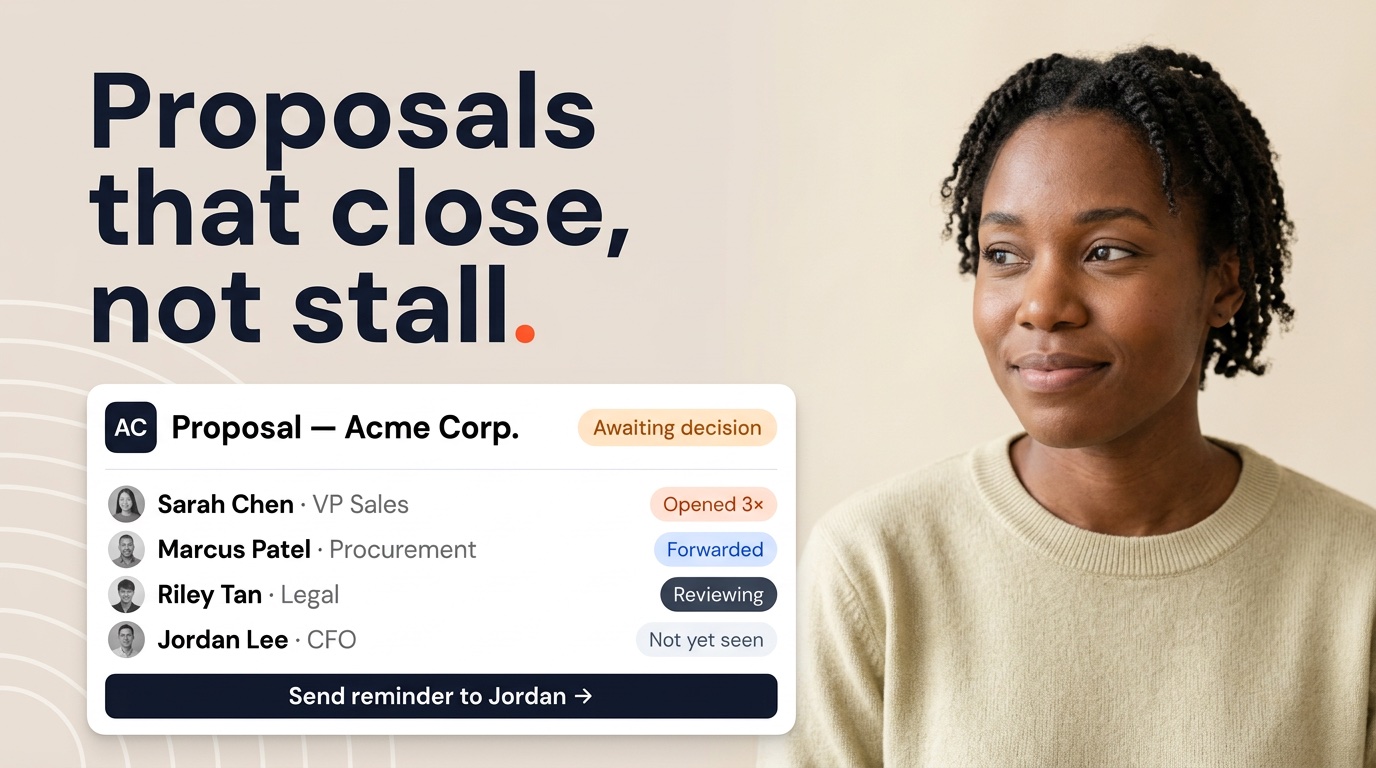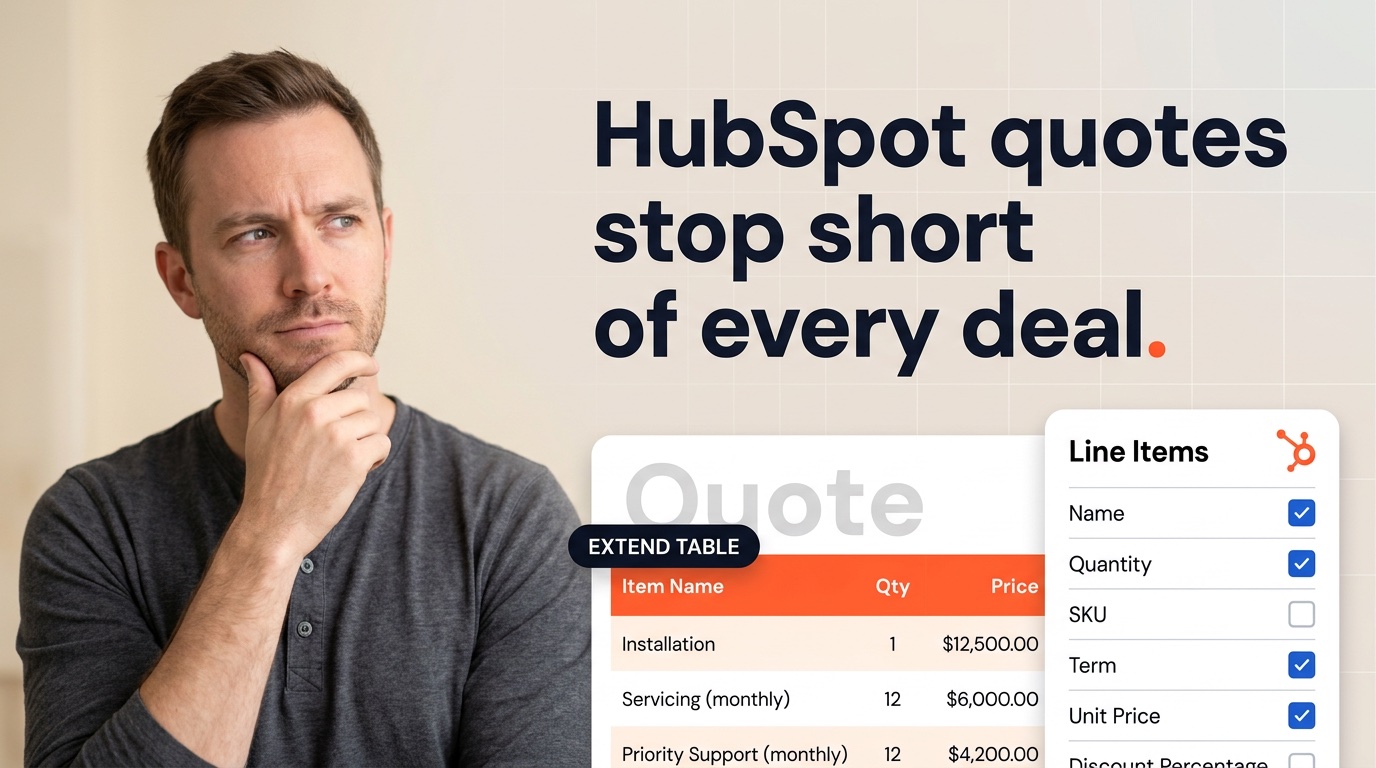


Better Proposals is a focused, well-designed tool — but it was built for one job: proposals. Teams that start there typically hit a wall when they need contracts alongside proposals, NDAs for new hires, or statements of work for project kick-offs. None of those document types live inside Better Proposals. And the HubSpot integration, while functional, is sync-based — documents are stored in Better Proposals, not as HubSpot records your workflows and dashboards can act on.
I work at Portant, so take that context as you read. But I also spend a lot of time inside customer HubSpot portals, and I've watched exactly this progression play out. Teams choose Better Proposals for the clean editor and conversion analytics, then eventually start hunting for something that handles their full document stack. This article evaluates 10 alternatives honestly — including where each one beats Portant and where it doesn't. I scored them on HubSpot integration depth, template flexibility, pricing at a five-user team, and end-to-end document workflow.
Why HubSpot teams look for Better Proposals alternatives
The issues I hear most often fall into three buckets. The first is document scope. Better Proposals does proposals — and it does them well. But once a deal progresses, the same team needs a contract. Then an NDA for a sub-contractor. Then a statement of work. None of those are supported, so teams end up managing those documents manually or in a second tool entirely. That's friction the CRM can't see or track.
The second is the HubSpot integration model. Better Proposals syncs deal and contact data into proposals and sends proposal status back to HubSpot deals. That's useful. But the documents themselves live in Better Proposals — they're not saved as HubSpot records. Managers who want to see all sent and signed documents on a deal timeline, build a list of open proposals by stage, or trigger a HubSpot workflow when a proposal is viewed can't do that with a sync-based integration.
The third is proposal limits. The Starter plan caps you at five proposals per month. For a team sending proposals regularly, that's a constant source of friction — and the jump to the Premium plan ($49/mo) can feel steep when comparable tools don't impose generation limits at all.
Quick comparison
| Tool | Best for | HubSpot integration | Starting price | Free plan | G2 |
|---|---|---|---|---|---|
| Portant | HubSpot-native doc automation | Native (certified app) | $42/mo workspace | Yes (30 credits/mo) | 4.7/5 |
| PandaDoc | Full-featured proposal + contract platform | Integration (sync) | $49/user/mo | No (14-day trial) | 4.7/5 |
| Proposify | Editor-first proposals | Integration (sync) | $49/user/mo | No (14-day trial) | 4.6/5 |
| Qwilr | Interactive web proposals | Integration (sync) | $35/user/mo | No (14-day trial) | 4.5/5 |
| Nusii | Simple proposals for freelancers | Via Zapier | $29/mo | No (14-day trial) | 4.6/5 |
| DocuSign | Enterprise eSign compliance | Connector (envelope sync) | $45/user/mo | No (30-day trial) | 4.5/5 |
| GetAccept | Sales engagement + docs | Integration (sync) | Custom pricing | No | 4.6/5 |
| Juro | Legal-led contract workflows | Integration (sync) | Custom pricing | No | 4.7/5 |
| HubSpot Quotes | Free native quotes | Native (built into HubSpot) | $0 with Sales Hub | Yes | 4.4/5 |
| Signaturely | Simple, affordable eSign | Via Zapier | From $25/mo | No (3 free requests) | 4.8/5 |
G2 ratings as of May 2026. Prices shown are billed annually where applicable — check each vendor's site for current rates.
 1. Portant — best for HubSpot-native document automation
G2: 4.7/5 · From $42/mo workspace · Free plan: Yes (30 credits/mo)
Portant is purpose-built for teams that use HubSpot as their primary system of record and want every document — proposals, contracts, NDAs, SOWs, onboarding packs — to live there too. It's the #1 HubSpot-certified document automation app, used by over 920,000 people, and it directly addresses the limitations that tend to push growing teams away from Better Proposals.
The fundamental difference comes down to document scope and CRM depth. Better Proposals does one document type well. Portant does all of them. If you can build a template in Google Docs, Slides, Word, or PowerPoint, Portant can automate it — generating the document from live HubSpot data, routing it through an approval workflow, collecting signatures, and saving the final signed copy back to the HubSpot deal or contact record as its own native object.
That last point matters more than it might sound. When a document is stored as a HubSpot record, it becomes a first-class citizen of your CRM. You can build lists of all open proposals by deal stage. You can trigger a HubSpot workflow the moment a contract is signed. You can run a report in HubSpot dashboards showing how many NDAs were sent last quarter. None of that is possible when documents live in a separate platform and only their status is synced back.
Templates are another meaningful difference. Better Proposals requires you to build content inside its proprietary editor — your existing Google Docs files can't be imported or used directly. Portant takes the opposite approach: your templates stay exactly where they are. If legal has already approved a contract template in Google Docs, it goes straight into Portant. No migration, no rebuilding, no re-approval cycle. Merge tags pull in deal, contact, company, line item, and custom property data wherever you need them, and conditional logic lets you show or hide sections based on field values.
For teams that have outgrown Better Proposals specifically because they needed more document types alongside proposals, Portant is typically the most direct upgrade path — and since pricing is flat per workspace rather than per seat, the cost comparison at any meaningful team size is significant.
Key features
- Generates documents from live HubSpot deal, contact, company, and line item data
- Templates in Google Docs, Slides, Word, PowerPoint, or PDF — no proprietary editor
- Every document saved back to HubSpot as its own record with full status history
- Sequential approval workflows with one-click approve/reject from inside HubSpot
- Built-in eSignature on paid plans — status updates HubSpot at each signing milestone
- Automation triggers: generate documents from deal stage changes, form submissions, or HubSpot workflows
- Conditional content logic — show or hide sections based on HubSpot field values
- Dynamic line item tables pulled directly from HubSpot products
- Bulk document generation for high-volume scenarios
Pros
- Handles all document types — proposals, contracts, NDAs, SOWs, invoices — in one place
- No template migration — your existing Google Docs and Word files work from day one
- Documents as HubSpot records means reporting, list-building, and workflow automation work natively
- Flat workspace pricing means the whole team is covered without per-seat penalties
- Fast to set up — most teams are generating real documents within a day
Cons
- No visual drag-and-drop builder — if reps want to design rich proposal layouts from scratch inside the tool, the template-file approach feels less visual than Better Proposals' dedicated editor
- Better Proposals' conversion analytics (time on proposal, section-level engagement) are more proposal-specific than Portant's document tracking
Pricing: Free (30 credits/mo), Pro $42/mo workspace (2,000 credits/mo, billed annually), Team $125/mo (5 users, 5,000 credits/mo). No per-seat pricing — your whole team is included.
For a 5-person team: $125/mo on Portant Team vs $49/mo × 5 = $245/mo on Better Proposals Premium (proposals only).
For a detailed side-by-side, our Portant vs Better Proposals comparison page covers features, pricing, and integration depth in full.
 2. PandaDoc — best for full-featured proposal and contract platform
G2: 4.7/5 · From $49/user/mo · Free plan: No (14-day trial)
PandaDoc is the most direct upgrade path from Better Proposals if your primary concern is document scope. Where Better Proposals handles proposals only, PandaDoc supports proposals, contracts, quotes, and order forms — all built inside a visual block editor with a reusable content library, interactive pricing tables, and built-in eSign. For teams that need a richer toolset within a similar editor-first experience, PandaDoc is the natural comparison point.
The HubSpot integration syncs deal data into documents and logs activity and signing status back to HubSpot deal records. It's a meaningful step up from Better Proposals' integration in depth — PandaDoc's HubSpot connector is more mature and widely used — but documents still live in PandaDoc rather than as native HubSpot objects. Managers who want CRM-native document reporting still need to visit a second dashboard.
Key features
- Visual block editor with drag-and-drop layout and a reusable content library
- Supports proposals, contracts, quotes, and order forms
- Built-in eSign with audit trail, sequential signing, and signer identity verification
- HubSpot integration: deal data in, document status and activity back out
- Approval workflows, document analytics, and real-time notifications
Pros
- Covers a much wider document type range than Better Proposals — the obvious step up
- Mature HubSpot integration with broad adoption and good documentation
- Strong content library for teams sending consistent branded documents at scale
Cons
- Per-seat pricing at $49/user/mo — a 5-person team pays $245/mo, and the HubSpot integration requires the Business plan minimum
- All templates must be built in PandaDoc's proprietary editor — existing Google Docs files can't be used directly
- Documents live in PandaDoc, not HubSpot — pipeline reporting requires switching tools
Pricing: Business plan at $49/user/month (billed annually). The Business plan is required for HubSpot field mapping, approvals, and custom branding. No free plan — 14-day trial available.
Best for: teams graduating from Better Proposals who need contracts alongside proposals and want to stay in a familiar editor-first environment. If HubSpot-native document status is important, PandaDoc shares the same integration limitation as Better Proposals.
 3. Proposify — best for editor-first proposal creation
G2: 4.6/5 · From $49/user/mo · Free plan: No (14-day trial)
Proposify sits squarely in the same category as Better Proposals — it's a dedicated proposal platform with a visual editor, content library, and conversion analytics. The distinction is that Proposify is generally considered more polished for larger teams: richer approval workflows, more granular analytics (section-level engagement, scroll depth, time-on-page), and a better content library management experience.
If you're leaving Better Proposals because the editor felt limiting or the analytics weren't detailed enough, Proposify is worth evaluating. If you're leaving because the HubSpot integration was too shallow or you needed more document types, Proposify won't solve either of those problems — it's the same category with a higher price tag.
Key features
- Visual block-based editor with drag-and-drop sections and reusable content blocks
- Section-level analytics: time spent, scroll depth, viewer activity per proposal section
- Approval workflows and real-time viewer notifications
- HubSpot integration: deal data in, proposal status and activity back out
- Interactive pricing tables and embedded video support
Pros
- More detailed analytics than Better Proposals — visibility into exactly how prospects engage with proposals
- Strong content library for teams maintaining consistent branded sections across many proposals
- Polished editor that most reps find more capable than Better Proposals for complex layout work
Cons
- Proposals only — no contracts, NDAs, or other document types supported
- Per-seat pricing at $49/user/mo means a 5-person team pays $245/mo
- Documents live in Proposify, not HubSpot — same integration limitation as Better Proposals
Pricing: Team plan at $49/user/month (billed annually). Includes HubSpot integration, approvals, and analytics. No free plan — 14-day trial available.
Best for: teams switching from Better Proposals specifically because they want richer analytics or a more powerful editor, and where proposals are the only document type they need automated. Not a fix if the HubSpot integration depth was the original problem.
 4. Qwilr — best for interactive web-based proposals
G2: 4.5/5 · From $35/user/mo · Free plan: No (14-day trial)
Qwilr takes a different approach to the proposal format entirely. Instead of generating a PDF or a document file, buyers receive a responsive webpage. They can scroll through sections, interact with pricing, accept online, and sign — all in the browser without downloading an attachment. For teams where the proposal experience is a deliberate part of the pitch, the format itself becomes a differentiator that stands out against Better Proposals' PDF-first output.
The HubSpot integration is comparable to Better Proposals in depth: deal data flows into the template, and view, acceptance, and signing events sync back to HubSpot. Documents live in Qwilr's dashboard rather than as HubSpot records. At $35/user/month it's modestly cheaper than Proposify or PandaDoc at the same feature tier, though still per-seat.
Key features
- Web-based proposal format — interactive, mobile-responsive, no PDF required
- Section-level engagement analytics: which parts buyers read, time spent, scroll depth
- Online acceptance and eSign without an email attachment
- HubSpot integration: deal data in, engagement data and status back out
- Interactive pricing tables buyers can configure before accepting
Pros
- Modern buyer experience that stands out against PDF-based competitors including Better Proposals
- Lower per-seat price than Proposify or PandaDoc Business at a comparable feature level
- Section analytics give sales reps visibility that static PDFs simply can't match
Cons
- Not all buyers accept web proposals — procurement teams often require a PDF for internal approval processes
- Proposals only — no support for contracts, NDAs, or other document types
- Documents don't live in HubSpot — CRM reporting requires going into Qwilr's dashboard
Pricing: Business plan at $35/user/month (billed annually). Includes HubSpot integration, eSign, and analytics. No free plan — 14-day trial available.
Best for: creative agencies, high-touch SaaS, and professional services teams where the proposal moment is a deliberate part of the buyer experience and prospects expect a polished digital-first format.
 5. Nusii — best for simple proposals at a lower price point
G2: 4.6/5 · From $29/mo · Free plan: No (14-day trial)
Nusii is a lean proposal tool aimed at freelancers and small agencies who want clean, professional proposals without paying for the enterprise overhead of Proposify or PandaDoc. It sits closest to Better Proposals in spirit — a focused, easy-to-use editor with good conversion analytics and a lower starting price. If you're leaving Better Proposals because of the proposal cap on the Starter plan and want a similar experience at a comparable price, Nusii is worth evaluating.
The HubSpot integration is handled via Zapier rather than a native connector. That adds setup friction and an ongoing Zapier subscription cost, which reduces the apparent pricing advantage for teams that need tight HubSpot automation. If CRM connectivity is important, Nusii's integration depth is the weakest point on this list.
Key features
- Clean proposal editor with section templates and brand customisation
- Proposal analytics: open notifications, time-on-proposal, and acceptance tracking
- Built-in eSign with client acceptance confirmation
- PDF export for proposals that need to be sent via email attachment
- HubSpot integration via Zapier
Pros
- Lower starting price than Better Proposals Premium and most editor-first competitors
- Simple, focused interface with a gentle learning curve — fast to get teams up and running
- Good fit for freelancers and small agencies that only need clean proposals, nothing more
Cons
- No native HubSpot integration — Zapier required, which adds cost and complexity
- Proposals only — no contracts, NDAs, or other document types
- Less polished and feature-rich than Proposify or PandaDoc at a comparable price
Pricing: Freelancer plan at $29/month. Agency plan at $79/month (more users and proposals). Billed annually. No free plan — 14-day trial available.
Best for: freelancers and very small agencies who only need simple proposals and don't require a direct HubSpot integration. Not a good fit if HubSpot workflow automation or document types beyond proposals are on the roadmap.
 6. DocuSign — best for enterprise eSign compliance
G2: 4.5/5 · From $45/user/mo · Free plan: No (30-day trial)
DocuSign is the category standard for electronic signatures. If your primary reason for looking at Better Proposals alternatives is specifically eSignature compliance — audit trails, enterprise certifications, buyer recognition — DocuSign is the safest choice. Almost every procurement team and enterprise buyer recognises a DocuSign envelope, and its compliance certifications (SOC 2, ISO 27001, eIDAS, ESIGN Act) are the strongest on this list.
The important caveat: DocuSign does not generate documents from CRM data. You upload a finalised PDF or Word file, add signature fields, and send. It replaces the signing step only — not the proposal creation, content management, or approval workflow that Better Proposals provides alongside eSign.
Key features
- Industry-standard eSign with SOC 2, ISO 27001, eIDAS, and ESIGN Act compliance
- Granular audit trail — IP address, timestamp, and signer identity for every action
- HubSpot connector: envelope events sync back to deal or contact records
- In-person signing and SMS-based identity verification on higher plans
- Bulk send for high-volume agreement scenarios
Pros
- Widest enterprise recognition — buyers and procurement teams expect it
- Best-in-class compliance certifications for regulated industries
- Mature, reliable platform with a large integrations ecosystem
Cons
- Does not replace Better Proposals as a document creation tool — eSign only
- HubSpot integration is connector-level: envelope status syncs, but documents don't live as HubSpot records
- More expensive than most alternatives on this list for what is essentially one feature
Pricing: Standard at $45/user/month (billed annually). Business Pro at $65/user/month. Enterprise pricing by contract. No free plan — 30-day trial available.
Best for: enterprise teams in regulated industries where buyer recognition and compliance certification are non-negotiable, and where documents are finalised in another system before signature is required.
 7. GetAccept — best for sales engagement plus documents
G2: 4.6/5 · Custom pricing · Free plan: No
GetAccept combines document automation with sales engagement features — video messaging embedded in proposals, live chat inside documents, and buyer-side engagement tracking throughout the deal cycle. It's built around the idea that closing deals requires more than just sending a clean document: it's about keeping prospects engaged from send through to signature. That positions it above Better Proposals in ambition, and as a result, in price and complexity.
The HubSpot integration covers activity logging, deal updates, and status sync. Pricing is custom and requires a demo rather than a self-serve signup, which reflects the enterprise positioning. For teams with genuinely complex, multi-stakeholder deals where buyer engagement is uncertain, the feature set is differentiated. For teams sending standard proposals or contracts, it's more overhead than necessary.
Key features
- Document editor with embedded video, live chat, and buyer-side engagement notifications
- Contract management with clause library and redlining support
- Built-in eSign with detailed audit trail and signer verification
- HubSpot integration: deal data in, activity and document status back out
- Buyer engagement tracking — see when, how long, and what sections were reviewed
Pros
- Unique combination of sales engagement tools (video, live chat) alongside document automation
- Strong for complex, multi-stakeholder deals where maintaining buyer momentum matters
- Solid contract management and audit trails for teams with active legal requirements
Cons
- Custom pricing means no self-serve evaluation — a sales conversation is required to get numbers
- The full feature set adds complexity that's overkill for teams sending standard proposals or contracts
- Documents live in GetAccept, not as native HubSpot records — same CRM reporting limitation as Better Proposals
Pricing: Custom — requires a demo. Generally mid-market pricing and above. No published per-seat rate and no self-serve signup.
Best for: mid-market sales teams with long deal cycles, multiple stakeholders, and a genuine need to track buyer engagement between touchpoints — not just at the moment of signing.
 8. Juro — best for legal-led contract management
G2: 4.7/5 · Custom pricing · Free plan: No
Juro is a contract lifecycle management platform built around a collaborative browser-based editor where sales, legal, and counterparties can negotiate in the same document simultaneously. It's a step up in sophistication compared to Better Proposals and most tools on this list — designed for organisations where legal is a frequent, active participant in deals rather than a one-time sign-off before signature.
The HubSpot integration lets you generate contracts from deal data and sync signed contract status back to the CRM. For pure sales-led teams sending standard agreements, Juro's CLM feature set adds meaningful overhead. For commercial-legal teams that share ownership of every deal and need version control, redlining, and renewal tracking, it's the right level of control.
Key features
- Browser-based collaborative editor with real-time redlining and clause negotiation
- Pre-approved clause library for legal teams to standardise contract language
- Contract lifecycle tracking — drafts, in review, out for signature, signed, renewals
- eSign with full audit trail and signer verification
- HubSpot integration: generate contracts from deals, sync contract status back
Pros
- Best-in-class collaborative redlining — counterparties can negotiate directly in the same document
- Clause library gives legal real control over what language leaves the business
- Strong for teams managing large contract volumes with renewals, amendments, and version history
Cons
- Enterprise pricing and a sales-led process — no self-serve option and not suitable for small teams
- Far more complexity than most HubSpot sales teams need if contracts are standard and rarely negotiated
- Documents live in Juro, not HubSpot — pipeline reporting still requires switching tools
Pricing: Custom — Juro doesn't publish rates publicly. Positioned at mid-market and enterprise. Expect a full sales process before getting a number.
Best for: companies where legal teams are active participants in commercial deals and a genuine need exists for contract negotiation, version control, and renewal management — not straightforward send-and-sign workflows.
 9. HubSpot Quotes — best for free native quoting
G2: 4.4/5 (Sales Hub) · $0 with Sales Hub · Free plan: Yes
HubSpot Quotes is the built-in quoting tool inside HubSpot Sales Hub. It doesn't require any integration because it is HubSpot — quotes pull deal and line item data directly, generate a shareable link or PDF, and record acceptance back to the deal record natively. For teams that need basic quoting and are already paying for HubSpot, it costs nothing extra and has no monthly document cap.
The limitations are meaningful: no custom templates beyond basic branded layouts, no advanced approval routing, no eSign without a separate HubSpot add-on, and no support for non-quote document types. HubSpot Quotes is quoting, not the full document automation stack that Better Proposals provides even within its focused scope.
Key features
- Pull deal, contact, and line item data directly — no field mapping required
- Branded quote templates with your company logo and colours
- Quote acceptance recorded on the HubSpot deal record natively
- Payment collection via HubSpot Payments (US) or Stripe integration
- Included with HubSpot Sales Hub Starter, Professional, and Enterprise
Pros
- Zero additional cost if you're already on HubSpot Sales Hub
- The deepest HubSpot data connection of any tool on this list — it's native, not integrated
- No setup required — it's already in your portal and ready to use immediately
Cons
- Templates are limited — no support for custom Google Docs or Word layouts
- Quotes only — not suitable for proposals, contracts, or NDAs
- No built-in eSign without additional HubSpot paid add-ons
- No multi-step approval routing beyond basic HubSpot workflow logic
Pricing: Included at no extra cost with HubSpot Sales Hub Starter ($20/mo+), Professional, and Enterprise. eSign requires a separate HubSpot add-on at additional cost.
Best for: HubSpot teams that need simple line-item quotes and want to start with what's already in their portal before investing in dedicated document automation. Use it to understand your workflow requirements, then graduate to Portant when you need custom templates, approval workflows, contracts, or full eSign.
 10. Signaturely — best for simple, affordable eSign
G2: 4.8/5 · From $25/mo · Free plan: No (3 free signing requests)
Signaturely is one of the highest-rated eSign tools on G2 for a straightforward reason: it's genuinely simple, affordable, and focused on doing one thing well. Where tools like DocuSign carry enterprise overhead and pricing, Signaturely was designed for small businesses and freelancers who need fast, reliable signing without a steep learning curve or a large monthly bill.
As a Better Proposals alternative, Signaturely covers the signing step only — it doesn't create proposals, pull in CRM data, or manage a content library. If the reason you're leaving Better Proposals is that you need eSign on documents that are already finalised elsewhere, and you don't need HubSpot-native automation, Signaturely is one of the most cost-effective ways to add that capability. HubSpot integration is via Zapier rather than a native connector, which adds some setup friction.
Key features
- Upload PDFs and Word files, add signing fields, and send for signature in minutes
- Document templates with reusable field placement for repeated signing scenarios
- Signing links for one-to-many signing scenarios
- Audit trail and tamper-evident certificates for every signed document
- HubSpot integration via Zapier
Pros
- Highest G2 rating on this list — consistently praised for simplicity and day-to-day reliability
- Low price point — genuinely affordable for solo operators and small teams
- Fast to set up and learn — most users are collecting signatures the same day they sign up
Cons
- No native HubSpot integration — Zapier required, which adds ongoing subscription cost and setup work
- No document generation from CRM data — eSign only, no proposal or document creation
- Limited for multi-step approval workflows or complex document routing
Pricing: Personal from ~$25/mo (1 user). Business plan for small teams. Check Signaturely's site for current rates — pricing changes periodically. No free plan, but 3 free signing requests available to test the platform.
Best for: small businesses, freelancers, and solo operators who need reliable, affordable signatures on documents that are already finalised — without the overhead of a full proposal or document automation platform.
How to choose the right tool
The fastest way to narrow this list is to answer three questions honestly before you start trialling anything.
Do you need more than proposals? If you need contracts, NDAs, SOWs, or any other document type automated alongside proposals, the editor-first tools (Better Proposals, Proposify, Nusii, Qwilr) all fall short. They're proposal platforms. Portant and PandaDoc both handle multiple document types — and Portant does so without requiring you to rebuild existing templates.
Where does your team's source of truth actually live? If managers, ops, and finance use HubSpot dashboards and reports to track what's happening in the pipeline, you need a tool that writes document status back to HubSpot as native records — not just activity log entries. Portant and HubSpot Quotes do this. Every other tool on this list stores documents in its own platform and syncs status data back, which means your CRM is always one step behind.
How does pricing scale with your team size? Per-seat pricing compounds fast. At five users: Proposify ($245/mo), PandaDoc Business ($245/mo), Qwilr ($175/mo), DocuSign Standard ($225/mo) vs Portant Team ($125/mo for 5 users covering all document types). At ten users the gap becomes dramatic. If the team is growing, flat-rate tools are significantly more predictable to budget.
Quick shortcut: if your team is HubSpot-first and needs more than proposals, start with Portant. If proposals are your only document type and you want a visual editor, evaluate Proposify or Qwilr. If you only need eSign on finalised PDFs, Signaturely is the most affordable. If you need enterprise signing compliance, DocuSign is the category standard. If you just need free quotes, HubSpot Quotes is already in your portal.
Frequently asked questions
What is the best Better Proposals alternative for HubSpot teams?
Portant is the strongest Better Proposals alternative for HubSpot-first teams. It runs as a certified app inside HubSpot, works with your existing Google Docs templates without migration, and saves every document back to HubSpot as a native record you can filter, report on, and trigger workflows from. Unlike Better Proposals, Portant handles all document types — proposals, contracts, NDAs, SOWs, and more — without any need for a second tool.
Why do teams switch from Better Proposals?
The most common reasons are document scope (Better Proposals covers proposals only — teams that also need contracts, NDAs, or statements of work must manage those separately), HubSpot integration depth (the integration is sync-based rather than native, so documents don't save back as CRM records that workflows and dashboards can act on), and proposal volume limits (the Starter plan caps at five proposals per month, which forces growing teams to upgrade to the Premium plan).
Is there a free Better Proposals alternative?
Yes. Portant has a free plan with 30 credits per month — enough to test document automation with your HubSpot data before committing to a paid workspace. HubSpot Quotes is also free with any HubSpot Sales Hub plan and covers basic quoting natively. Better Proposals has no free tier, only a 14-day trial.
What is the cheapest Better Proposals alternative?
Portant is the cheapest full-featured alternative for HubSpot teams. Its Pro plan is $42 per month for the entire workspace — not per user. Better Proposals' Premium plan (which removes the 5 proposals/month cap) is $49 per month and covers proposals only. Portant Pro covers all document types with no monthly generation caps, making it both cheaper and broader in scope for most teams.
Is Portant better than Better Proposals for HubSpot teams?
For HubSpot teams that need more than proposals, yes. Portant is a certified HubSpot app that saves documents as native CRM records, works with any document type, and uses existing Google Docs templates without migration. Better Proposals has a clean proposal editor and good conversion analytics, but it's proposals-only and its HubSpot integration doesn't write documents back as native CRM objects. Teams that need contracts, NDAs, or approval workflows alongside proposals consistently outgrow Better Proposals.
Does Better Proposals integrate with HubSpot?
Yes. Better Proposals has a HubSpot integration that syncs contact and deal data into proposals and sends proposal status back to HubSpot deals. However, it's a sync-based integration rather than a native one — documents are stored in Better Proposals rather than as HubSpot records. That means document reporting, list-building from document status, and triggering HubSpot workflows based on document events are all limited compared to a tool like Portant that stores documents natively in the CRM.
What is the best Better Proposals alternative for small businesses?
Portant is the best alternative for small businesses using HubSpot, because flat workspace pricing means you're not penalised as your team grows and you can handle all document types in one place. Nusii is a solid proposal-focused alternative at a lower starting price for businesses that only need proposals. For small businesses that need only eSignatures on existing PDFs, Signaturely is simple and affordable. HubSpot Quotes covers basic quoting at no additional cost if you're already on Sales Hub.