
Timezone, date and time format
Set the timezone, date format, and time format Portant uses when it inserts dates and times into your documents.
Change the date or time format
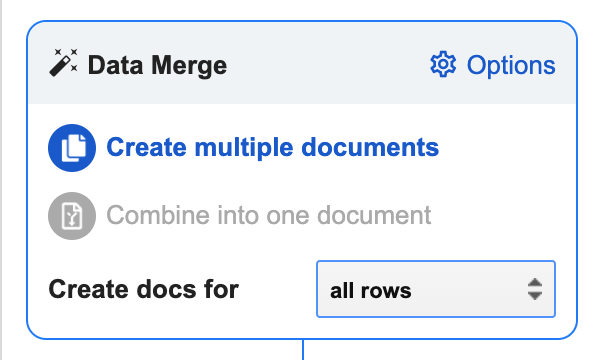
Open the Data Merge settings by going to Data Merge > Options.
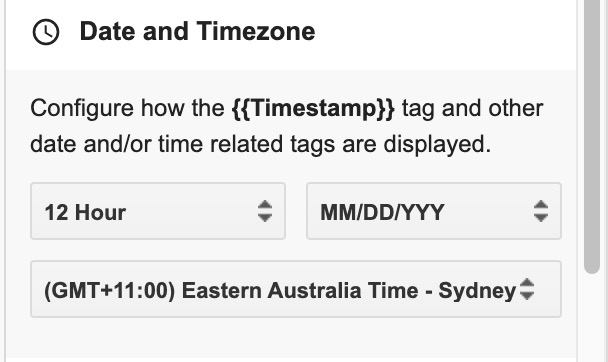
Scroll to the Date and Timezone section. Pick the date and time formats you want from the dropdowns.
Change the timezone
The timezone setting lives in the same Date and Timezone section. Pick your timezone from the dropdown and Portant will insert any timestamp tags using that timezone.